Passport Photo Requirements by Country: Size, Format, and Rules for 2026
Compare passport photo sizes and requirements for the US, UK, EU, China, Japan, India, Australia, and Canada. Exact dimensions, head height rules, background colors, and common rejection reasons.
According to the U.S. State Department, unacceptable photos are the number one reason passport applications get put on hold. Not missing documents. Not incorrect forms. A bad photo. Roughly 1 in 4 applications sees a photo-related delay, and the most frequent culprit is using the wrong dimensions for the country you’re applying to.
I’ve spent the last week digging through official requirements from seven different governments, comparing competitor guides, and testing AI photo tools to understand what actually gets flagged. Here’s what I found — no filler, just the specs and the stories behind them.
What You Need to Know Before Taking Any Passport Photo
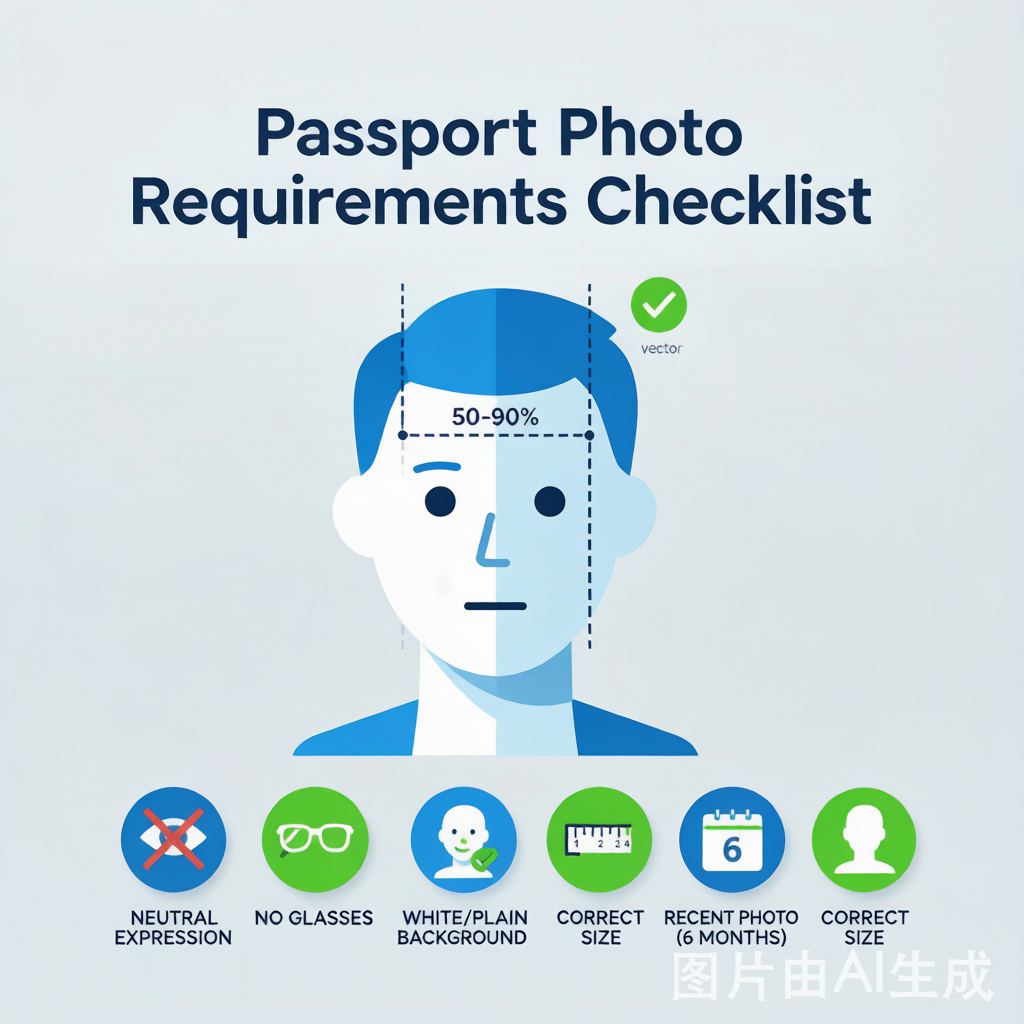
Every passport photo requirement boils down to five variables: dimensions, head size, background color, facial expression, and digital format. Get any one of these wrong, and your application stalls.
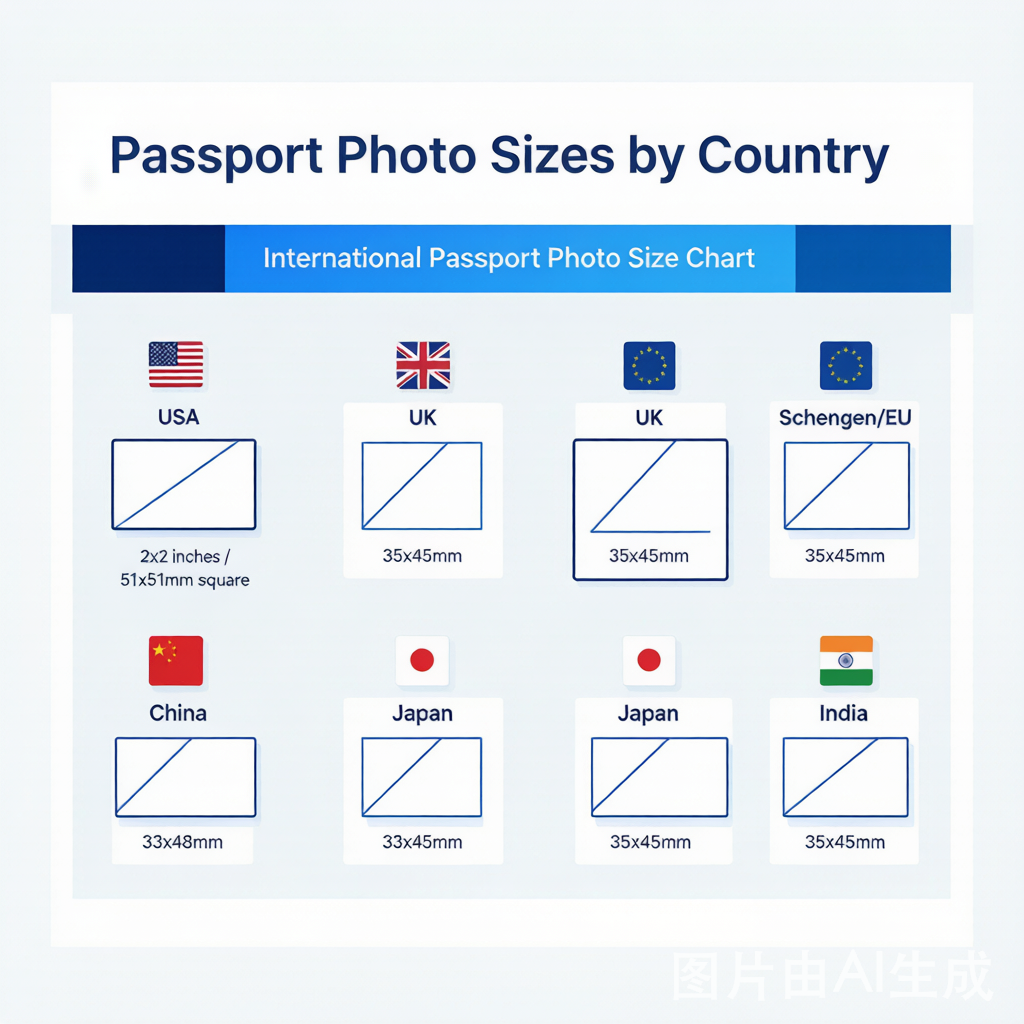
Dimensions vary more than you’d think. The US uses a 2×2 inch square (51×51mm). The UK, EU, India, Japan, and Australia all use 35×45mm — but China demands 33×48mm, and Canada insists on 50×70mm. A photo shot for a Canadian passport won’t fit a US application, and vice versa.
Head height is the silent killer. Every country specifies how large your face must be within the frame, usually measured from chin to crown. The US requires 25–35mm. The UK wants 29–34mm. The Schengen zone demands your face fill 70–80% of the frame. Canada allows 31–36mm. These aren’t guidelines — automated systems measure them down to the millimeter.
Background color is where people get tripped up most after size. The UK is uniquely strict: they insist on light grey or cream — pure white gets rejected by their automated validation system. Every other major country accepts white, but not Britain.
Digital rules changed significantly in 2026. The U.S. State Department now explicitly warns against any AI editing — no background replacement, no skin smoothing, no “enhance” buttons. If AI touched your photo, it gets flagged. Most countries accept JPEG format, 300 DPI minimum for printing, and specific pixel dimensions for digital uploads.
Country-by-Country Requirements
United States — 2×2 inches (51×51 mm)
The square. The US is one of the few countries using a 2×2 inch square format. Your head must measure 1 to 1⅜ inches (25–35mm) from chin to crown, with the top of your head sitting 1⅛ to 1⅜ inches from the top edge.
What’s unique: No glasses allowed since November 2016. Pure white background only. Digital uploads must be JPEG, 600×600 to 1200×1200 pixels, under 240 KB for DS-160 visa forms. Zero AI editing tolerated — the State Department lists “computer software, phone apps or filters, or artificial intelligence” as prohibited tools.
Stories from the field: I’ve seen multiple Reddit threads where people got rejected because they used Walgreens or CVS for their photo. One user wrote: “CVS took my photo and handed it to me — the background was slightly off-white and my head was too big. State Department rejected it in 3 days.” If you use a pharmacy, inspect the print before you leave.
Official source: U.S. State Department Photo FAQ
United Kingdom — 35×45 mm
The UK shares the 35×45mm format with most of the world, but adds two curveballs.
First: the background must be light grey or cream, not pure white. HM Passport Office uses automated validation that flags pure white backgrounds as errors. I learned this from someone who had their online renewal rejected twice before someone told them to switch backdrops.
Second: digital submissions have specific pixel requirements — minimum 600×750 pixels, JPEG format, up to 6.5 MB. The UK strongly prefers online submissions through their digital portal.
Head height: 29–34mm from chin to crown. Neutral expression, mouth closed, eyes open.
Schengen Area (EU) — 35×45 mm
The Schengen visa photo follows ICAO 9303 standards. Same 35×45mm dimensions as the UK, but background can be light grey or white (unlike the UK, which rejects pure white).
The standout requirement: your face must occupy 70–80% of the frame height. This is a larger face-to-frame ratio than most countries. If your head looks too small in the photo, it won’t pass.
Photo must be less than 6 months old. Most Schengen consulates still require physical printed photos — digital uploads aren’t universally accepted yet.
China — 33×48 mm
China uses a unique 33×48mm format that doesn’t match any other major country. This trips up a lot of first-time applicants who assume the standard 35×45mm will work.
Digital specs: 354×472 pixels, JPEG, 40–120 KB file size. Both ears must be visible. Background must be pure white.
If you’re applying for a Chinese visa from abroad, platforms like COVA (China Online Visa Application) enforce these specs aggressively. A 2026 post from Snap2Pass documented 11 specific COVA upload errors caused by wrong sizing — the system doesn’t round up.
Japan — 35×45 mm
Japan uses the standard 35×45mm, marked as 4.5×3.5cm in Japanese documents. Head height: 32–36mm. Background: white or light blue. Photo must be taken within 6 months.
Japan accepts both digital and printed submissions. The requirements are straightforward compared to the UK or India.
India — 35×45 mm (but check which one)
India is the country where most people mess up, because India uses three different photo formats depending on what you’re applying for and where you’re applying from.
- Indian passport from India: 35×45mm, white background, digital upload 630×810 pixels (2026 spec)
- Indian passport / OCI from the US: 2×2 inches (51×51mm), white background, 10–300 KB
- Indian e-visa: 2×2 inches (51×51mm), JPEG only, 10–300 KB
Both ears must be visible. The Indian passport photo tool on anypassportphoto.com lets you toggle between these formats so you don’t accidentally submit OCI dimensions to the passport portal.
Australia — 35×45 mm
Australia follows the 35×45mm standard with a 32–36mm head height and plain light background. Face must fill 65–75% of the photo. Australia accepts online renewal with digital photo uploads, which saves printing costs — we’ve covered the cost comparison here.
Canada — 50×70 mm (the outlier)
At 50×70mm, Canada’s passport photo is nearly twice the surface area of a standard 35×45mm photo. Head height: 31–36mm. White or light grey background.
The requirement nobody tells you about: Canada requires the back of one printed photo to be stamped with the photographer’s name, full address, and the date the photo was taken. If you print at home, you need to handwrite this on the back of one photo. I’ve seen forums where applicants had their entire application returned over this stamp.
Passport Photo Size Comparison Table
| Country | Size (mm) | Size (in) | Head Height | Background | Glasses? | Digital Pixels |
|---|---|---|---|---|---|---|
| 🇺🇸 United States | 51 × 51 | 2.0 × 2.0 | 25–35 mm | White | No | 600×600 |
| 🇬🇧 United Kingdom | 35 × 45 | 1.38 × 1.77 | 29–34 mm | Light grey/cream | Yes* | 600×750 |
| 🇪🇺 Schengen/EU | 35 × 45 | 1.38 × 1.77 | 70–80% of frame | Light grey/white | Yes* | 413×531 |
| 🇨🇳 China | 33 × 48 | 1.30 × 1.89 | 28–33 mm | White | No | 354×472 |
| 🇯🇵 Japan | 35 × 45 | 1.38 × 1.77 | 32–36 mm | White/light blue | Yes* | 413×531 |
| 🇮🇳 India | 35 × 45† | 1.38 × 1.77 | 70–80% of frame | White | Yes* | 630×810 |
| 🇦🇺 Australia | 35 × 45 | 1.38 × 1.77 | 32–36 mm | Plain light | Yes* | 413×531 |
| 🇨🇦 Canada | 50 × 70 | 1.97 × 2.76 | 31–36 mm | White/light grey | Yes* | 591×827 |
* Glasses allowed only if medically necessary with signed doctor’s statement. † India also uses 2×2 inch (51×51mm) for OCI and e-visa applications submitted from the US. Check your specific form.
Common Mistakes That Get Passport Photos Rejected
I combed through rejection data from multiple sources, and these five reasons account for the vast majority of bounced photos:
1. Wrong dimensions (most common) Submitting a 35×45mm photo to a US application (needs 2×2) or vice versa. Canada’s 50×70mm format catches people who assume “passport photo size” is universal. It isn’t.
2. Head too big or too small The US allows 25–35mm head height. Most phone selfies push your face way beyond that range. A selfie taken at arm’s length typically captures your head at 40–50mm — well outside the acceptable window. You need to step back.
3. Wrong background color The UK’s cream/grey requirement alone causes thousands of rejections annually at HM Passport Office. Automated scanners don’t negotiate on color values.
4. AI editing and filters 2026’s new rejection wave. Beauty filters swap skin tones. AI background removers leave edge artifacts that scanners detect. Even minor retouching tools change facial proportions enough to fail biometric matching. Shoot it right the first time.
5. Expired photo Most countries demand photos taken within 6 months. Mexico is stricter: 30 days. If you look different from the photo — major weight change, new facial piercings, surgery — retake it regardless of date.
Expert Tips for a First-Try Passport Photo
After testing anypassportphoto.com’s AI tool and cross-referencing with government specs, here’s what works:
Use a real camera setup, not your front-facing phone camera. A rear phone camera at eye level, 3–4 feet away, produces far better results than a selfie. Front cameras have wide-angle lenses that distort facial proportions — your nose looks larger, your ears look smaller. Passport scanners check proportions.
Shoot 30 minutes after waking up. Faces are naturally puffy in the morning. Waiting half an hour reduces puffiness that throws off your “current appearance” validation.
Test your background with a white balance check. Point your camera at the wall alone and check if it reads as pure white (#FFFFFF) or has a color cast. Incandescent bulbs add yellow; fluorescent tubes add green. Natural window light produces the most neutral white.
Wear a darker solid color. White shirts blend into white backgrounds. Patterns create moiré effects in digital scans. A medium blue or charcoal collared shirt photographs well and won’t trigger background-detection errors.
If printing at home, use photo paper. Standard office paper absorbs ink unevenly and produces dull results. 4×6 glossy photo paper at 300 DPI is the minimum. Most pharmacies will print 4×6 photo sheets for under $0.50.
Check the full specs before leaving a pharmacy. CVS and Walgreens photos get rejected more often than you’d expect. Before paying, verify: dimensions match your country, background is uniform, head size is in range, and no shadows fall on your face.
Watch this detailed DIY tutorial for a walkthrough on taking compliant photos at home:
FAQ
Can I use the same passport photo for multiple countries?
Sometimes. The 35×45mm format covers the UK, Schengen, India, Japan, and Australia — so a photo shot for a UK passport technically fits all of them dimensionally. But watch out for background differences. The UK demands cream/grey; Australia expects plain light. Check all five variables (size, head, background, expression, format) before reusing.
Why does the UK reject pure white backgrounds?
HM Passport Office uses automated photo validation software calibrated to detect light grey and cream tones. Pure white (#FFFFFF) produces false positives in their system — it mistakes the background for an overexposed photo. The UK government’s own guidance specifies “plain, light-coloured background.”
Do I need to remove my glasses?
For US passport and visa photos: yes, absolutely. Since November 1, 2016, the State Department bans glasses in all passport and visa photos unless you have a signed medical statement. For most other countries, glasses are allowed as long as frames don’t cover eyes and lenses have zero glare. I’d remove them regardless — one less variable to worry about.
What DPI should passport photos be?
300 DPI for printed photos is the universal standard. At US 2×2 inches that equals 600×600 pixels. At UK 35×45mm that equals 413×531 pixels. Digital uploads sometimes accept 200 DPI, but 300 DPI is safer for cross-country use.
How recent does my passport photo need to be?
6 months for almost every country. Mexico demands 30 days. If your appearance changed significantly — weight loss/gain over 20 pounds, new facial tattoos, cosmetic surgery — take a new photo regardless of the timestamp.
What happens if my photo gets rejected?
You’ll receive a rejection letter with the specific reason and a 90-day window to submit a new photo. As long as you meet that deadline, you don’t pay any additional fees. Miss it, and you restart the application from scratch — including new fees. Our blog covers this process in more detail.
Can I take passport photos with my iPhone?
Yes, but use the rear camera, not the front-facing selfie camera. Rear cameras have narrower lenses that produce more accurate facial proportions. Stand 3–4 feet from the camera. No portrait mode — it artificially blurs edges that scanners flag.
Why do automated systems reject photos that look fine to humans?
Government photo validation software doesn’t “see” like we do. It measures pixel values at specific coordinates, checks mathematical ratios between facial landmarks, and compares color values against reference tables. A photo that looks perfect to your eyes can fail because your head sits 2mm outside the allowed range or your background measures 2% too white.
References
- U.S. State Department — Photo Requirements — official source for US passport and visa photo specifications
- UK Government — Passport Photo Rules — HM Passport Office guidance
- ICAO Document 9303 — Machine Readable Travel Documents standard used by Schengen and 190+ countries
- Passport Photo Snap — Country Size Guide — comprehensive comparison table verified against government sources
Prepare a photo from this guide
Use the free checker first. Paid AI cleanup and exports should only be used after you understand the target country rules.
Open passport photo checker