Free resize · Free checklist · Paid HD export

Passport photo online for any country

Choose a country, crop to the required size, review background and head-position warnings, then export a file or print sheet with clearer risk notes.

Free local check and resize

Passport photo checker

Check the basics, resize to the selected document size, and sign in only if you want AI background and crop cleanup.

No login check
Local resize
AI optional
2 x 2 in600 x 600px export
Plain white or off-white backgroundHead height around 50-69% of image
Try a sample

Free check results

Status labels are practical guidance, not a government approval guarantee.

Upload a photo or choose a sample, then run the free check to see document requirements.
AI auto-fix

Optional background, crop, and lighting cleanup. Sign-in is required because AI fixes use account credits.

Was this check useful?

Your feedback helps tune the checklist wording and warning levels.

How it works

The free tools stay available before sign-in. Paid AI cleanup is only introduced after the user has a real photo and can see the risk checklist.

  1. 1

    Upload one clear selfie or studio photo.

  2. 2

    Choose the passport country or size format.

  3. 3

    Review each requirement as Passed, Warning, or Needs retake.

  4. 4

    Export only after the risky items are resolved.

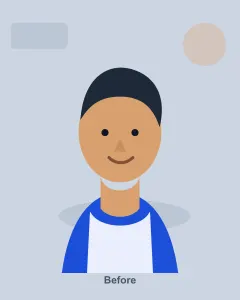
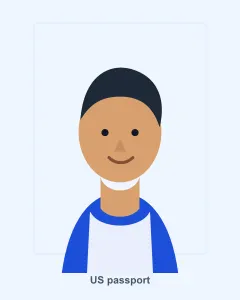
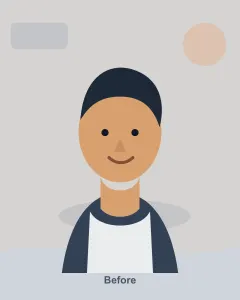
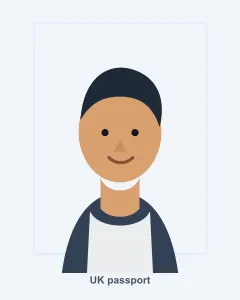
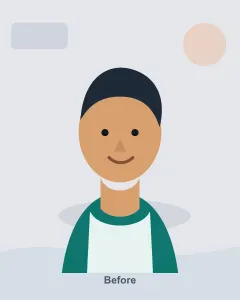
Before and after previews

Generated examples show crop, background, and print-size intent. Replace them with real user examples after permission is collected.

Open checker
Before
2 x 2 inch US crop before passport photo cleanup
After
2 x 2 inch US crop after passport photo cleanup

2 x 2 inch US crop

Square crop, background review, and a clear warning when the original is safer than a digitally edited photo.

Before
35 x 45 mm UK crop before passport photo cleanup
After
35 x 45 mm UK crop after passport photo cleanup

35 x 45 mm UK crop

Portrait output with digital-file notes, because UK photos must also avoid software alteration risk.

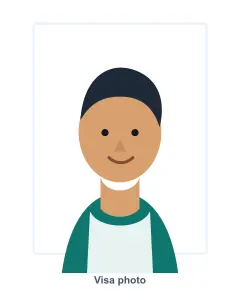
Before
Visa photo cleanup preview before passport photo cleanup
After
Visa photo cleanup preview after passport photo cleanup

Visa photo cleanup preview

Background and crop cleanup are treated as a paid preview step, with explicit review before official use.

Used when the risk is specific

Passport renewals

Resize to the published format, then check whether the country accepts home-prepared or edited images.

Visa uploads

Prepare common 35 x 45 mm and 33 x 48 mm files while keeping the original photo available for manual review.

Family trips

Create several paid exports from the same session when each person needs a different country or document size.

Built for measurable rules

Maya Fernandez testimonial portrait
Maya Fernandez
Graduate student · Boston, MA
"My first US photo had a gray wall and a shadow behind my hair. The checklist made the background problem obvious before I paid for printing."
Oliver Grant testimonial portrait
Oliver Grant
Product manager · Manchester, UK
"I had a clean selfie, but the UK digital upload kept objecting to the crop. Seeing the pixel and file-size notes together saved another booth trip."
Ananya Rao testimonial portrait
Ananya Rao
Software engineer · Bengaluru, India
"The failure mode for me was face ratio. A pharmacy-style 2 x 2 photo looked fine but did not match the India upload shape."
Claire Martin testimonial portrait
Claire Martin
Travel coordinator · Toronto, Canada
"Canada's no-edit rule is easy to miss. The warning stopped me from using a smoothed portrait that would have been risky for a renewal."
Luis Romero testimonial portrait
Luis Romero
Freelance designer · Madrid, Spain
"I was mixing up Spain's small 32 x 26 mm passport photo with a standard 35 x 45 mm crop. The size page caught it before my appointment."

FAQ

The tool helps prepare and review photos. It does not replace the official passport office, embassy, consulate, or upload system.

Does AnyPassportPhoto.com replace the official passport office check? +

No. It helps you prepare and review a photo against published requirements. The passport authority, embassy, consulate, or upload system makes the final decision.

Why does the checklist use Passed, Warning, and Needs retake? +

Passport photo rules are not a single number. A photo can have the right size and still fail because of glare, background edits, head tilt, or file compression. Checklist language makes the next action clearer.

Can I use an AI-edited passport photo? +

Many passport authorities restrict altered photos, and some explicitly mention AI tools or software edits. Use AI-assisted output cautiously, avoid changing the face, and retake the photo when the checklist flags identity or background risks.

Which countries are included at launch? +

The first launch covers the United States, United Kingdom, India, Canada, Australia, China, Japan, Germany, France, and Spain.

Which languages are included at launch? +

The first launch supports en-us, en-gb, en-in, es, and zh-cn content layers so the same requirements can be localized without changing the core rules.

Should I print at home? +

Some countries accept certain home-printed forms, while others require professional photo paper or a studio. Always check the country-specific file and print guidance before relying on a home print.